The $50,000 Search Problem
Last Tuesday, Sarah—a top-performing real estate agent—lost a major deal. Not because she gave poor advice. Not because she missed a showing. But because she couldn't find a note.
Three months earlier, her clients, the Hendersons, had mentioned they needed a home office with a separate entrance—a must-have for their consulting business. Sarah wrote it down. Somewhere. When she found what seemed like the perfect property, she forgot about this requirement. The Hendersons toured the house, loved the kitchen, loved the neighborhood... and then realized there was no way to add a separate entrance.
Deal lost. Commission gone. Three months of relationship building, wasted.
Sarah's notes weren't the problem. Finding them was.
This scenario plays out daily across professions. The information exists. You wrote it down. But when you need it, traditional search fails you.
Why Traditional Search Fails Professionals
Let's be honest about how search typically works in note-taking apps:
You type a keyword. The app looks for that exact string of characters. If you typed "budget" and your notes say "cost," you get nothing.
This creates several critical problems:
The Synonym Problem
Conversations are organic. You don't speak in keywords. Neither do your clients.
| What You Search | What You Wrote | Match? |
|---|---|---|
| "budget" | "cost constraints" | ❌ No |
| "timeline" | "delivery schedule" | ❌ No |
| "decision maker" | "the person who signs off" | ❌ No |
| "concerns" | "worried about" | ❌ No |
| "requirements" | "must-haves" | ❌ No |
Every synonym is a missed connection. Every colloquialism is invisible to traditional search.
The Context Problem
Traditional search has no understanding of meaning. It can't distinguish between:
- "apple" (the fruit) and "Apple" (the company)
- "charged" (a battery) and "charged" (a fee)
- "close" (nearby) and "close" (to finalize a deal)
When you search for "close the deal," you might get results about someone who lives close to a shopping center.
The Memory Problem
The human brain is remarkable at understanding context but terrible at exact recall. You remember the meaning of what someone said, not the exact words.
Three weeks later, you know the client mentioned something about needing flexibility on payment timing. But did you write "flexibility," "payment terms," "billing schedule," or "invoice timing"?
Traditional search requires you to guess your own vocabulary. That's a game you lose more often than you win.
How Semantic Search Actually Works
Semantic search represents one of the most significant advances in information retrieval in decades. Here's what's happening under the hood:
Step 1: Understanding Meaning, Not Just Words
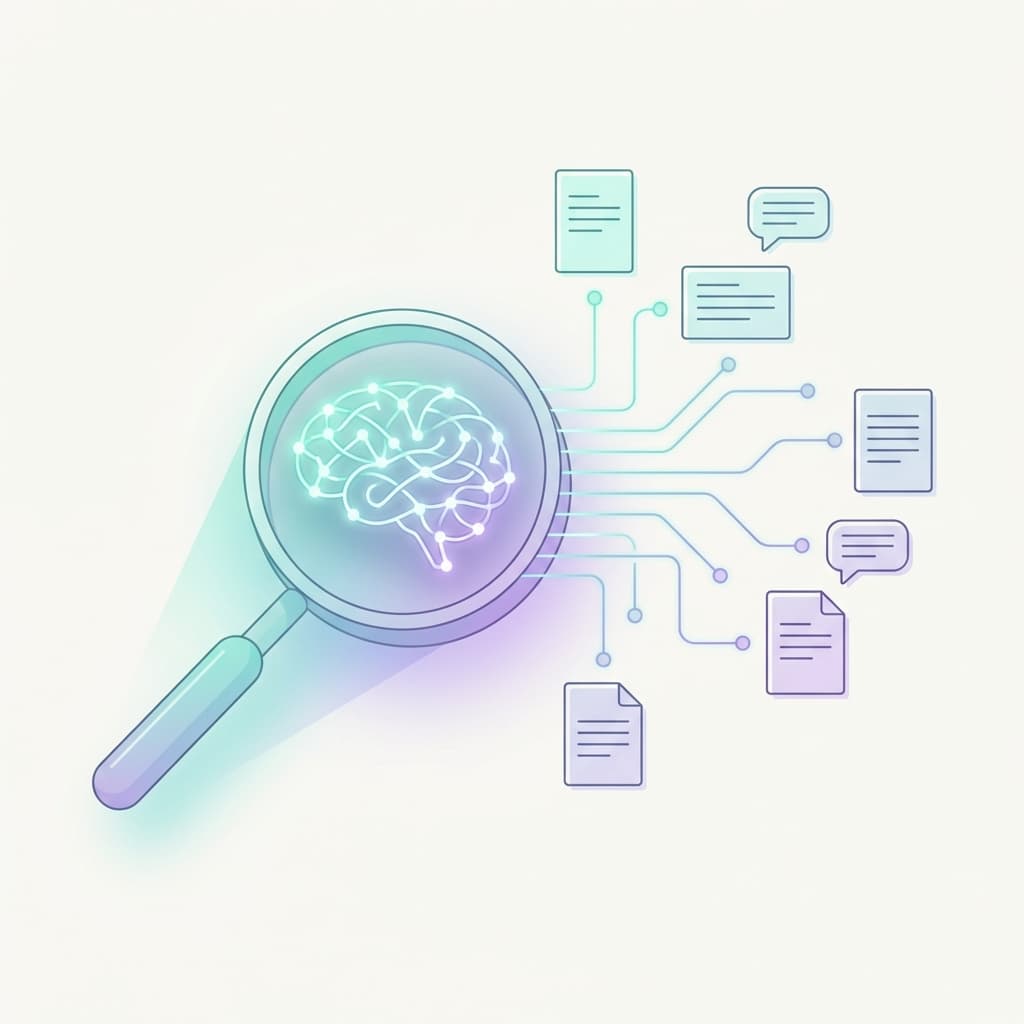
When you record a note, the AI doesn't just store the words. It converts your text into a mathematical representation of its meaning—what researchers call an "embedding."
Think of it like this: every concept occupies a position in a vast meaning space. Words with similar meanings are positioned close together. "Budget," "cost," "expenditure," and "financial constraints" all cluster near each other in this space.
Step 2: Searching by Concept
When you search, your query is converted into the same meaning space. Then the system finds notes whose meaning is close to your query's meaning—regardless of the exact words used.
Search: "What did Jennifer say about budget?"
The system understands you're asking about:
- A specific person (Jennifer)
- Financial discussions
- Cost, pricing, expenditure, funding, monetary constraints
It finds notes that discuss these concepts, even if the word "budget" appears nowhere.
Step 3: Ranking by Relevance
Not all semantic matches are equal. The system ranks results by how closely they match your intent:
- Notes that mention Jennifer AND financial topics → Top results
- Notes about Jennifer's other discussions → Secondary results
- General financial notes → Lower priority
You get what you actually need, not pages of tangentially related results.
Real-World Impact: Before and After
Let's examine how semantic search transforms daily workflows:
Scenario 1: Pre-Meeting Preparation
Before (Traditional Search): You have a call with Marcus Chen in 20 minutes. You search "Marcus" and get 47 results—every time his name appears in your notes over 8 months. You'd need 30 minutes to skim them all.
Instead, you walk into the meeting half-prepared, hoping you remember the important stuff.
After (Semantic Search): You search "Marcus Chen decision timeline and concerns."
You instantly get 3 highly relevant notes:
- "Marcus mentioned board approval needed by end of Q2"
- "Concerned about integration timeline with existing systems"
- "Key decision factor: ROI demonstration to CFO"
Time spent: 45 seconds. You walk in fully prepared.
Scenario 2: Following Up on Commitments
Before (Traditional Search): You promised a client you'd send something. A case study? A proposal? It was something about their manufacturing process. You search "manufacturing" and get nothing (you wrote "production facility").
You send a generic follow-up. The client notices you forgot.
After (Semantic Search): You search "what did I promise to send the manufacturing client."
The system finds: "Agreed to send the production optimization case study after our call. Focus on the 30% efficiency improvement example."
You send exactly what you promised. The client feels valued.
Scenario 3: Pattern Recognition Across Clients
Before (Traditional Search): You want to understand what objections you're hearing most frequently. You'd need to manually review dozens of notes.
So you don't. You operate on gut feel, which might be wrong.
After (Semantic Search): You search "client objections and concerns about pricing" or "why clients hesitate."
The system surfaces every note where clients expressed hesitation, concern, or pushback—regardless of the specific words they used. Patterns become visible. Your strategy improves.
The Compound Value of Searchable Notes
Here's what most professionals miss: the value of notes isn't just in creating them. It's in finding them when they matter.
Month 1: You have 30 notes. Traditional search works okay.
Month 6: You have 200 notes. Traditional search becomes frustrating. Important context gets lost.
Month 12: You have 500+ notes. Without semantic search, this is a graveyard of forgotten information. With it, it's a searchable knowledge base that gives you an edge in every client interaction.
The difference compounds over time. Every note you take becomes more valuable because you can actually retrieve it.
What This Means for Client Relationships
Let's talk about the relationship impact, because that's where this truly matters.
Clients Notice When You Remember
When you reference something a client told you three months ago, they notice. "Oh, you remembered that I needed the home office for my consulting business." That's not just good service—it's relationship deepening.
Clients who feel remembered:
- Stay longer (higher retention)
- Refer more (organic growth)
- Trust more (bigger deals)
- Complain less (smoother operations)
Clients Notice When You Forget
Every time you ask a question they've already answered, trust erodes slightly. "Didn't I tell you about the budget constraint last month?" Even if they don't say it, they think it.
Semantic search helps you avoid these moments by making past conversations accessible when you need them.
Implementation: Making It Work
Semantic search only works if you create searchable notes. Here's the workflow:
1. Capture After Every Significant Interaction
The more notes you have, the more value semantic search provides. Make note-taking a habit:
- After client calls
- After meetings
- After important emails
- After showings, sessions, or consultations
2. Speak Naturally
Don't try to game the system with keywords. Speak naturally, as if telling a colleague what happened. The AI understands natural language.
Good: "Jennifer mentioned she's worried about the implementation timeline because her team is already stretched thin."
Not needed: "Jennifer timeline concern team resources implementation worry"
3. Include Context, Not Just Facts
The more context you capture, the more findable it becomes later:
- Who said what
- Why it matters
- What you should do next
- How the person seemed (stressed, excited, hesitant)
4. Trust the Search
When you need information, try semantic queries first:
- "What did [client] say about [topic]?"
- "My notes about [client]'s concerns"
- "[Client]'s requirements and must-haves"
- "What did I promise [client]?"
You'll be surprised how often it finds exactly what you need.
The Bottom Line
Traditional search is designed for documents where you control the vocabulary—like searching a recipe database where everything is tagged "chicken" or "vegetarian."
But client conversations are messy. They're organic. They use varied language. They require a search engine that understands meaning, not just keywords.
Semantic search closes that gap. It turns your notes from a graveyard of forgotten information into a living knowledge base that makes you better at your job.
The question isn't whether you need better search. It's how much you're losing by not having it.
That $50,000 deal Sarah lost? If she'd been able to search "Hendersons home office requirements," she would have found the note instantly. The separate entrance requirement would have been top of mind. And the right property would still be worth pursuing.
Sources & Further Reading
Never Forget Conversation Context Again
Debrief.AI captures your thoughts with voice, structures them with AI, and keeps everything organized by contact. Build your personal relationship memory.
Download for iOS